IMAX: Lead UX Designer
IMAX’s Internal Applications: an interconnected suite of post-production apps handling tracking, versioning, operations, distribution, analysis and more
Sorry, can’t share publicly as IMAX has lots of proprietary processes unique to Hollywood. As the only UX Designer in all of IMAX I worked on lots of projects, both enterprise and consumer. Below are redacted high-fidelity mockups of 5 of those projects to give you an idea. However, I can show what I worked on in more detail during portfolio reviews…
AppHub
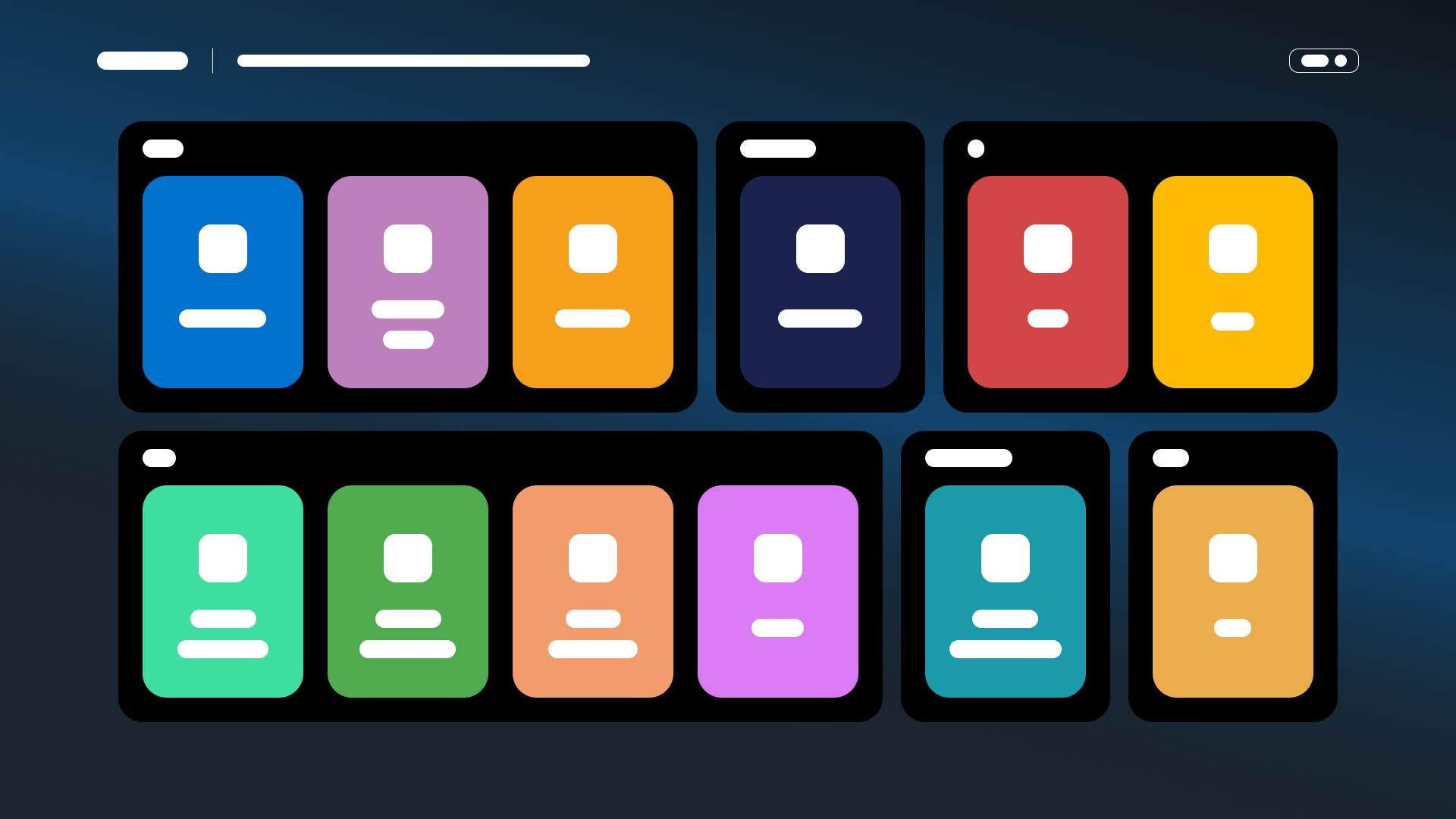
Landing Page
Problem Context
All the internal applications, while data-connected with each other, had separate ways to access each. There was no singular landing space to get to the apps.
Design Thinking
I took inspiration from video game console landing screens that display the user’s array of games. Large visual callouts for quickly scanning. As more internal apps would get developed, this page would need to scale accordingly as well to accommodate. The container approach consolidates apps by team and can be re-arranged based on priority.
Outcome Impacts
Employee user engagement of apps went from 25% to 90%. Instead of scouring for obscure links to the apps, they all live on one page now. Not only are they a lot easier to find, people started to learn more about what other teams do to make IMAX the golden standard of cinema.
Input/Output Ticketing System
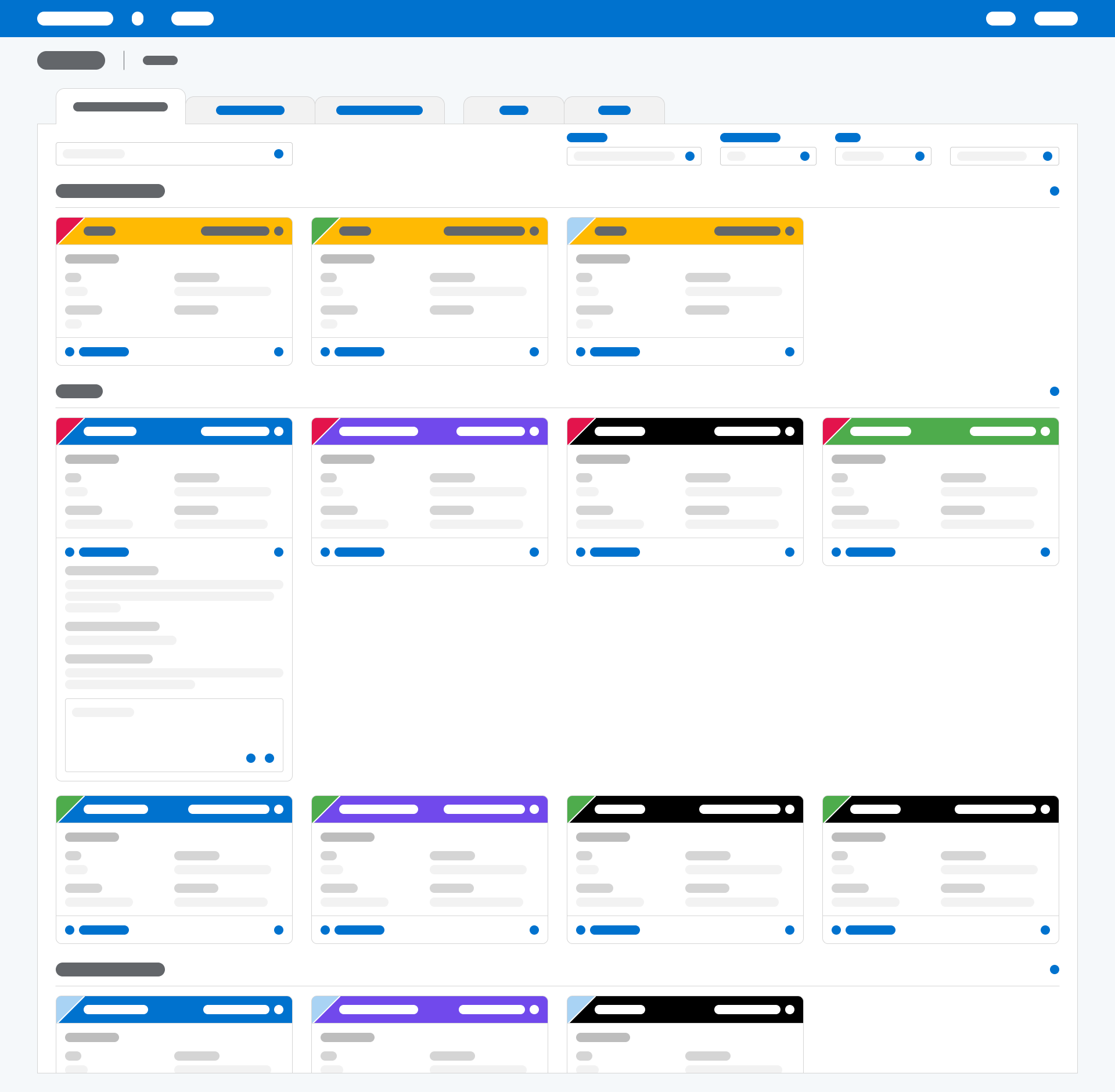
Card View
Problem Context
The IO team had to track and disseminate requests, often duplicative, through 5 difference sources. This was very time-consuming and took away from their actual work of processing those requests.
Design Thinking
Since IO needed to prioritize tickets quickly, they required an overview of information. They were used to table views that provided more detailed information. But they needed speed. Cards focus on each request’s pertinent info. Opening the card in tabs allows for the actual comprehensive work to be done there. Tabs also allow for several requests to be open and worked on simultaneously.
Outcome Impacts
IO’s number of tickets processed increases 150%. The time spent on each request went down -300%. Tickets are more accurately assigned priority as well. Too bad these savings didn’t translate to beating me in Mario Kart though.
Title Bible
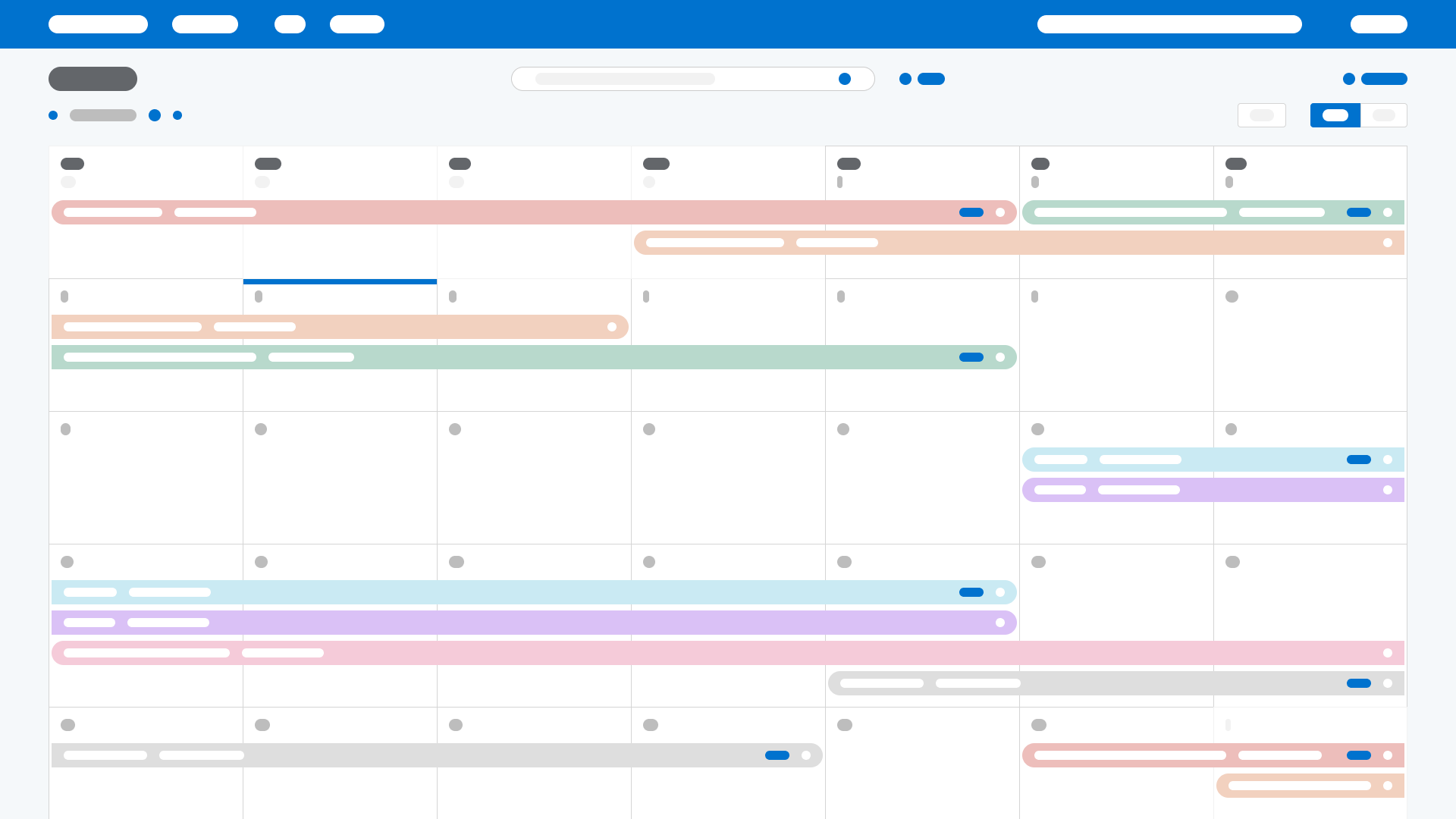
Calendar View
Problem Context
Finance, marketing, and distribution teams needed to better visualize our slate of upcoming movies so they could better position and forecast them. They had to coordinate with studios to balance genre, markets, and Filmed For IMAX titles to minimize competition and maximize box office return.
Design Thinking
The previous dashboard view was not granular enough to showcase a movie’s release schedule. A calendar view addresses this by displaying start and end dates. Titles by genre are assigned by color, filters prune out titles based on market and studio, and IMAX specific titles include badges to highlight them.
Outcome Impacts
IMAX diversifies its content by expanding beyond blockbusters. Indie movies, local-language titles, documentaries and more are included in the slate now. Finance aligns with marketing to budget campaigns more cost-effectively by 33% and with distribution to decrease content overlap by 50%.
Feature Versioning Operations
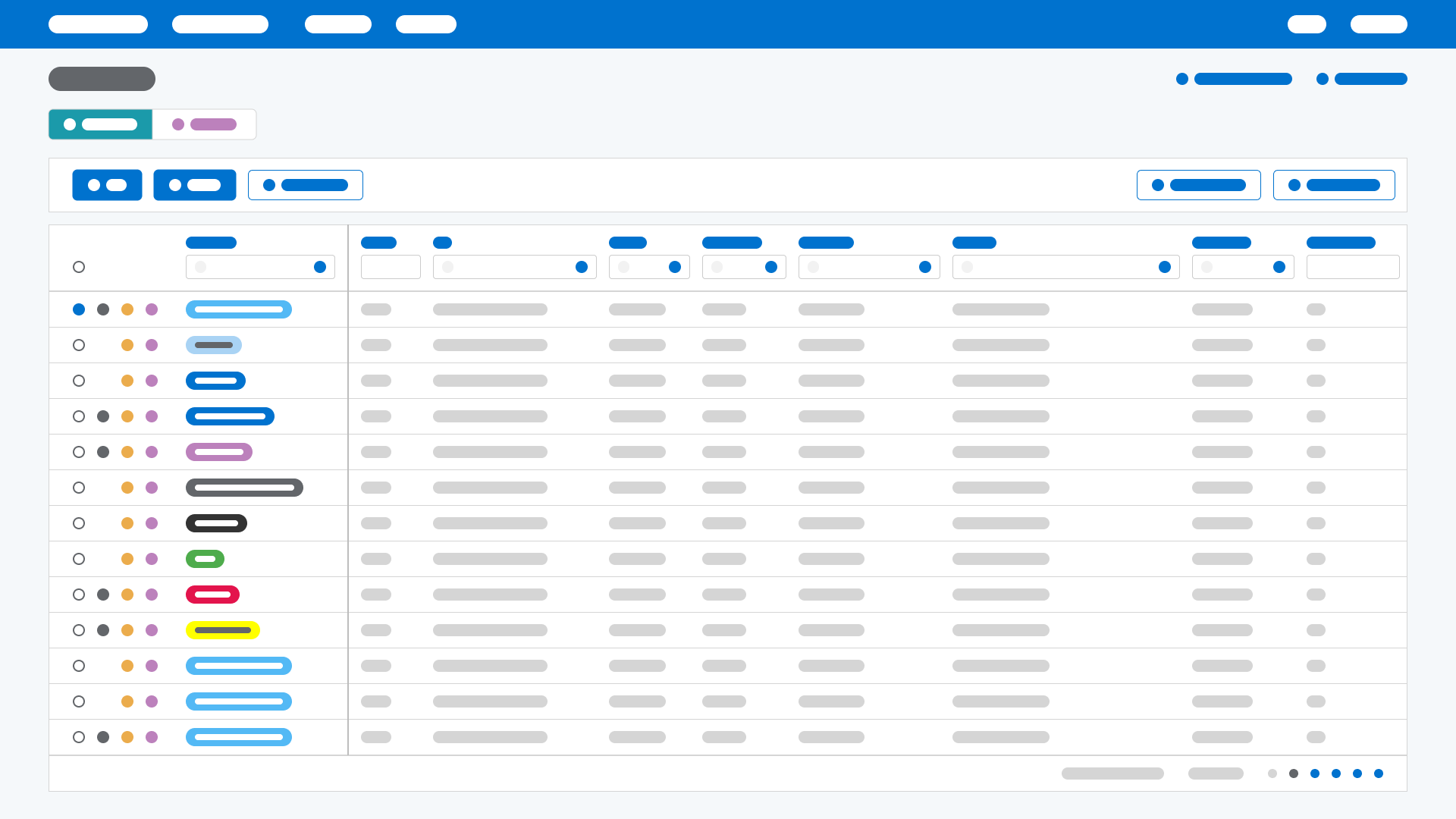
Shipments Tab
Problem Context
The distributions team relied on spreadsheets to track physical and electronic shipments, broken down by title-specific versions, across theaters globally. This compounding problem was further exasperated by not aligning data across other teams who needed it. It often lead to duplicate work and excessive communication.
Design Thinking
A title’s information, including its DCP (Digital Cinema Package), is seen across the modes of shipments, versions, and theaters. Often seeing the same data in different areas leads to confusion. This data and its views and workflows had to be simplified. Instead of treating shipments, versions, and theaters equally, the hierarchy is updated so that versions live under shipments and theaters are separated out. Shipments are ordered by their delivery status chronologically. Versions, which can often include multiple titles, are clubbed into those shipments. Then the theater view displays the arrived DCPs by title.
Outcome Impacts
Distributions team’s time spent on each shipment reduces by 50%. Other teams use this app instead of digging through emails for spreadsheets and decrease unnecessary communication by 75%. As a result, teams aren’t scrambling as much and can focus on what they need to get done.
Master Operations
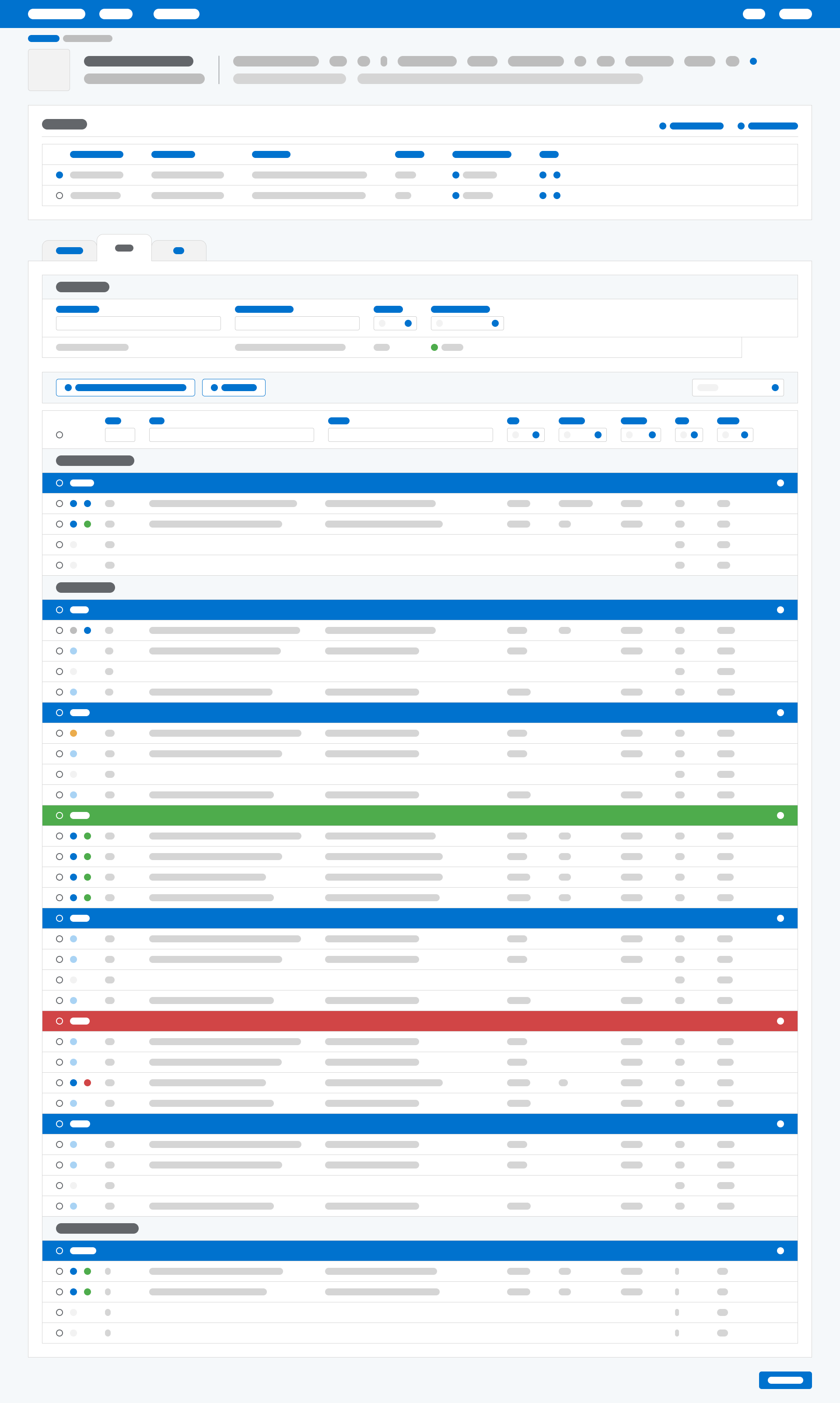
Composition’s Reels Tab
Problem Context
With all these data interconnected applications talking to each other an unintended consequence was there was no single source of truth anymore. Different teams would enter overlapping information for the same movies. A Master Operations app to consolidate a title’s compositions, reels, assets, and quality control was necessary now.
Design Thinking
In a lot of ways this is a culmination of design thinking across the other apps. Color-coordinated accordions to signify status while also allowing for collapsing and expansion of data. Badges to draw users to critical information. Containers and tabs to organize and scale like data with like actions. Filters to empower users and give them control. Knowing when and how to show granularly vs for overview. And critically, understanding the crux behind workflow challenges.
Outcome Impacts
TBD. This app was right about to launch then my team and I were sadly laid off :/
I think it’s important to not only highlight my significant positive contributions, but also challenges and roadblocks on the way too.
At my time at IMAX:
0→1 designed and launched
Hub for the suite of internal applications
Ticketing system for input/output of studio assets
Shipment operations for distribution
Master data integration app for Digital Cinema Packages (DCPs) and compositions
Title and version tracking platform for the Digital Media Remastering (DMR) process
Spreadsheet app for Gross Box Office (GBO) analysis
Iterative feature enhancements for
Slate tool for visualizing release schedule
Post-production workflow dashboard
Source of truth title metadata manager
Features and trailers versioning database
Design strategy on consumer-facing
IMAX.com website re-design
Mobile app brand alignment